Introduction
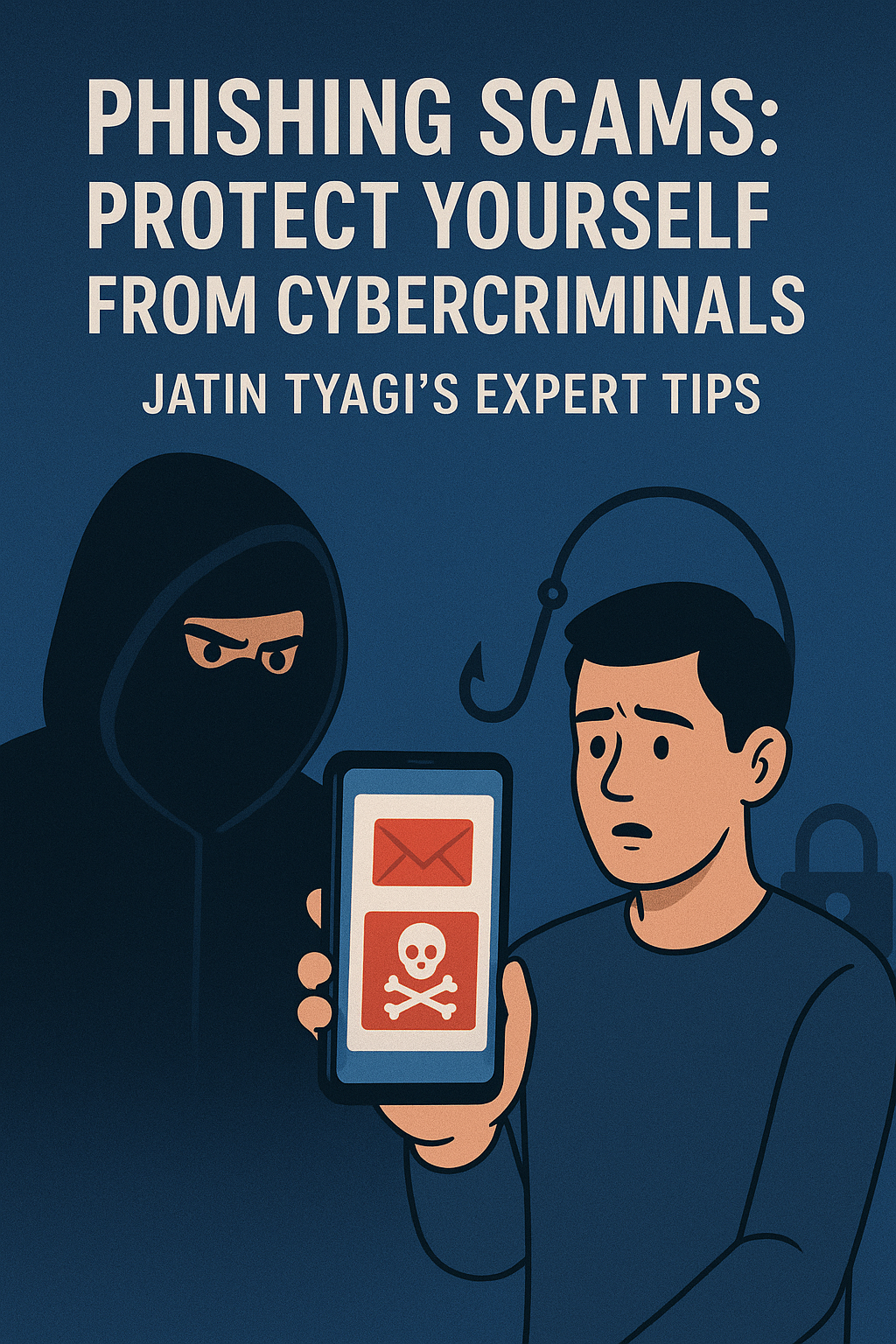
In an era dominated by technology and digital communications, phishing scams have emerged as one of the most prevalent and damaging forms of cybercrime. Phishing attacks are designed to deceive individuals into disclosing sensitive information, such as login credentials, bank details, or personal data. Cybercriminals use various tactics, from fake emails to fraudulent websites, to trick people into falling victim to these attacks. As Jatin Tyagi, a cybersecurity expert, emphasizes, understanding the different types of phishing scams and how to secure your online presence is critical in the fight against cybercrime.
What is Phishing?
Phishing is a type of cyber attack where malicious actors impersonate legitimate organizations, institutions, or individuals to deceive people into revealing confidential information. This can include passwords, credit card numbers, Social Security numbers, and more. Phishing attacks are typically conducted via emails, SMS, or social media messages that look convincingly real.
Types of Phishing Scams
Phishing attacks come in several forms, each with its own methods of trickery. The following are the most common types:
1. Email Phishing
Email phishing remains one of the most widely used techniques. Cybercriminals send fraudulent emails that appear to be from trusted sources such as banks, government agencies, or online retailers. These emails often contain alarming messages, such as “Your account has been compromised” or “You need to verify your identity to avoid account suspension.” The email usually contains a link to a fake website designed to steal your login credentials or personal information.
Red Flags to Spot in Email Phishing:
- Generic greetings like “Dear Customer” or “Dear User.”
- Poor grammar and spelling errors.
- Urgent calls to action, such as “Immediate action required.”
- Suspicious links or attachments.
2. SMS Phishing (Smishing)
SMS phishing, commonly known as “smishing,” occurs when scammers send text messages that appear to come from legitimate entities, such as banks or online services. These messages often contain a link to a fraudulent website or prompt the recipient to call a phone number that is controlled by the scammer.
Red Flags to Spot in SMS Phishing:
- Unsolicited messages asking for personal information or action.
- A sense of urgency, such as “Immediate verification needed.”
- Unfamiliar phone numbers or strange URLs.
3. Social Media Phishing
Phishing scams on social media platforms are becoming increasingly common. Cybercriminals create fake profiles or hijack legitimate accounts to send phishing messages or direct users to fake websites. These messages may promise prizes, discounts, or urgent requests for assistance.
Red Flags to Spot in Social Media Phishing:
- Suspicious or unfamiliar accounts reaching out with personal messages.
- Links to websites that seem unrelated to the brand or company.
- Requests for sensitive information, such as credit card details or login credentials.
Recognizing Fake Websites or Emails
A critical component of preventing phishing attacks is being able to recognize fake websites or emails. Here’s how you can identify fraudulent online content:
1. Suspicious URL and Domain Names
When visiting a website, always check the URL to ensure it’s authentic. Scammers often use domain names that are similar to well-known websites but may contain subtle differences, such as a missing letter or an extra character. For example, instead of “www.amazon.com,” a phishing site may use “www.amaazon.com” (note the extra “a”).
2. HTTPS vs. HTTP
Legitimate websites typically use HTTPS, which indicates that the connection is encrypted and secure. Phishing websites may use HTTP without the secure “S,” making them vulnerable to data theft.
3. Look for Red Flags in Emails
Examine email addresses closely. Fraudulent emails may come from addresses that look suspicious, such as “service@amzan.com” instead of “service@amazon.com.” Always double-check the sender’s email address to verify its legitimacy.
4. Trust Your Instincts
If a website or email doesn’t feel right, it probably isn’t. Look for inconsistencies in design, unusual requests for personal information, or any signs that the message is out of character for the supposed sender.
How to Secure Your Online Accounts
In today’s digital world, safeguarding your online accounts is crucial. Jatin Tyagi recommends several best practices to help protect yourself from phishing scams and other cyber threats:
1. Use Strong, Unique Passwords
A strong password is your first line of defense against unauthorized access. Passwords should be at least 12 characters long and include a combination of uppercase and lowercase letters, numbers, and special characters. Additionally, avoid using easily guessed information, such as names, birthdays, or simple phrases.
Tip: Use a password manager to securely store and generate complex passwords for each of your accounts.
2. Enable Two-Factor Authentication (2FA)
Two-factor authentication (2FA) is an essential security feature that adds an extra layer of protection to your accounts. With 2FA, you need to provide two pieces of information—your password and a code sent to your phone or generated by an authentication app. This ensures that even if a hacker obtains your password, they cannot access your account without the second factor.
3. Be Cautious with Public Wi-Fi
Avoid logging into sensitive accounts while using public Wi-Fi networks, as they are often insecure and can be easily compromised. If you need to access your accounts while on public Wi-Fi, use a Virtual Private Network (VPN) to encrypt your internet connection.
4. Monitor Your Accounts Regularly
Regularly monitor your bank accounts, email inboxes, and social media profiles for suspicious activity. Setting up alerts for any unusual login attempts or transactions can help you catch any potential fraud early.
Jatin Tyagi’s Expert Quote and Advice
“Cybercriminals are getting smarter, but so are we. The key to staying ahead of phishing attacks is awareness, caution, and constant vigilance. Always verify the authenticity of emails, messages, and websites before taking any action. The more proactive you are in securing your online presence, the safer you’ll be from falling into the traps of cyber fraud.”
What to Do if You Fall Victim to a Phishing Scam
If you believe you’ve fallen victim to a phishing scam, take immediate action to minimize the damage:
- Change Your Passwords: If you’ve shared your login credentials, change your passwords for the affected accounts immediately.
- Report the Incident: Notify your bank, email provider, or social media platform about the scam. They may be able to help secure your account and assist in tracking the scammer.
- Monitor for Fraudulent Activity: Keep an eye on your financial transactions, emails, and online accounts for any signs of unauthorized access.
Conclusion
Phishing scams are a persistent and growing threat, targeting millions of individuals globally. However, by understanding the different types of phishing attacks and employing proactive measures such as using strong passwords, enabling two-factor authentication, and being cautious of suspicious communications, you can significantly reduce your risk of falling victim to cybercrime. As Jatin Tyagi advises, “Awareness is your first line of defense—stay informed, stay cautious, and stay safe in the digital world.”
By following these practical steps and recognizing phishing attempts early, you can protect your personal information and safeguard your digital life against cybercriminals.
#CyberSecurity #StaySafeOnline #DigitalSafety #OnlineScams #JatinForYouth #jatintyagifoundation #jatintyagi #FormerFootballer #SocialActivist #NationalYouthIcon #Sportsreformer #FraudPrvention #BeAlert #JatinForIndia #CyberSafety #Expert